Availability/Unavailability
As a partner, you are able to update your availability to work. This will allow Evander to know when you are able to accept appointments.
Create New Availability
To set availability go to the Partner Home and select your Company name. This will open the availability page.
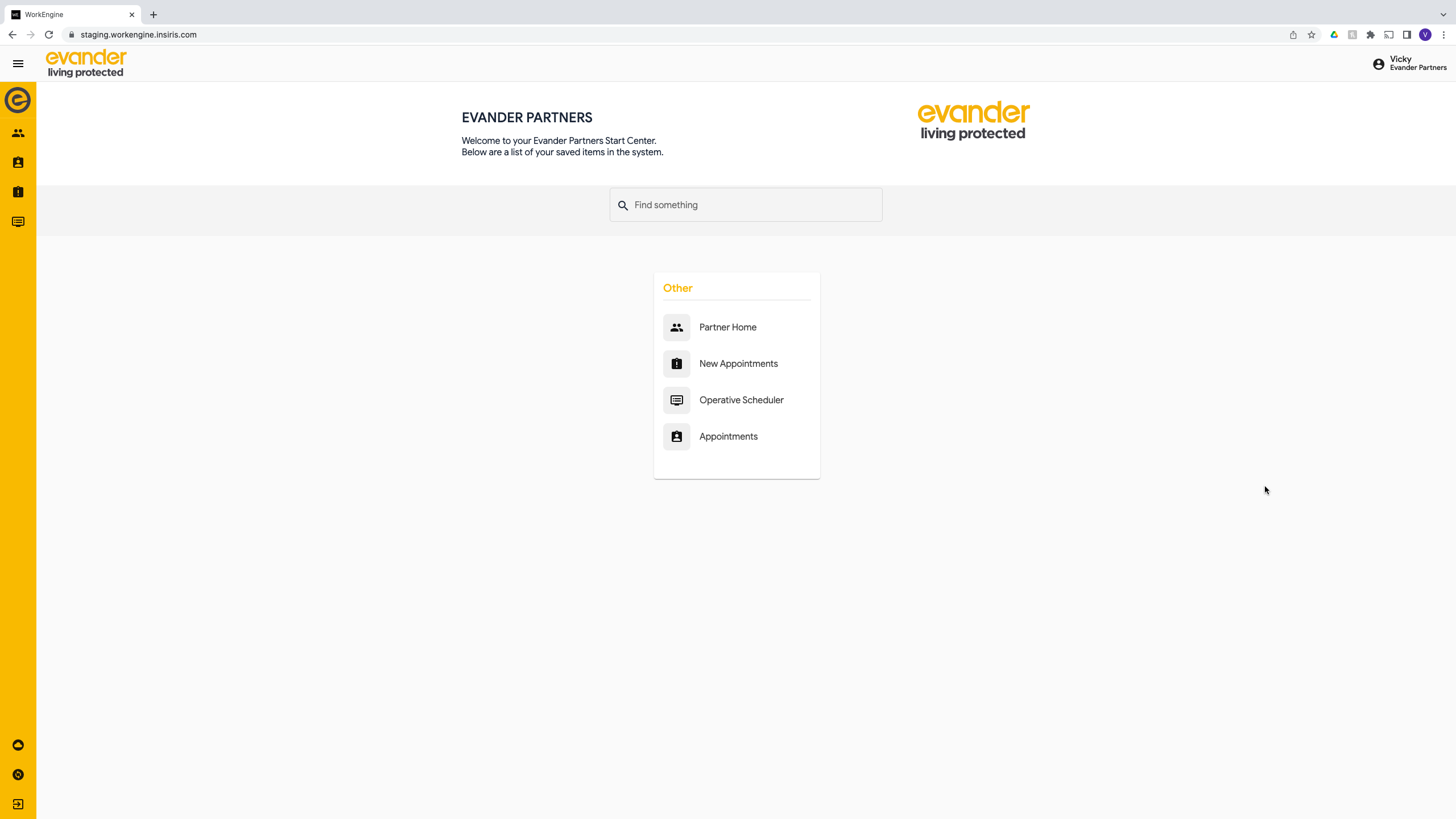
If no availability has been set:
- Select '+' on the right against Availability and the availability form will popup.
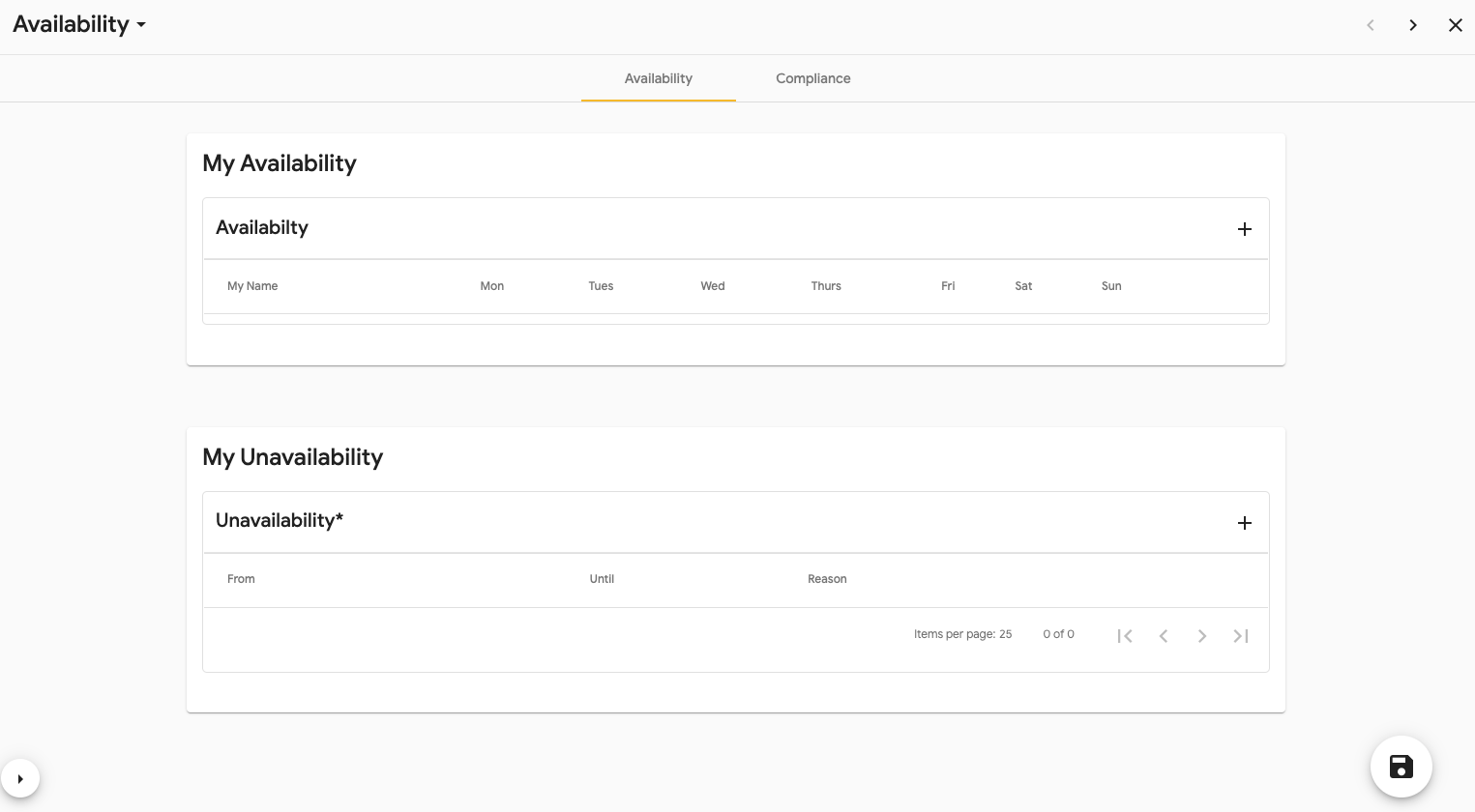
- Tick which days you are avaliable. On the days you are not available please leave the tick box blank.

- Select ‘Save’ and this will update the form.
- Close the Form.
Update Availability
If you need to update your availability:
- Select your company name within the My Availability section.
- Update accordingly.
- Select ‘Save’ in the bottom left.
- Close the Form.

Unavailability
If you need to add in a period of unavailability where you can’t undertake any work for a period of time, you need to do this in the Unavailability section. To do this:
- Select ‘+' and the Unavailability Form will pop up.
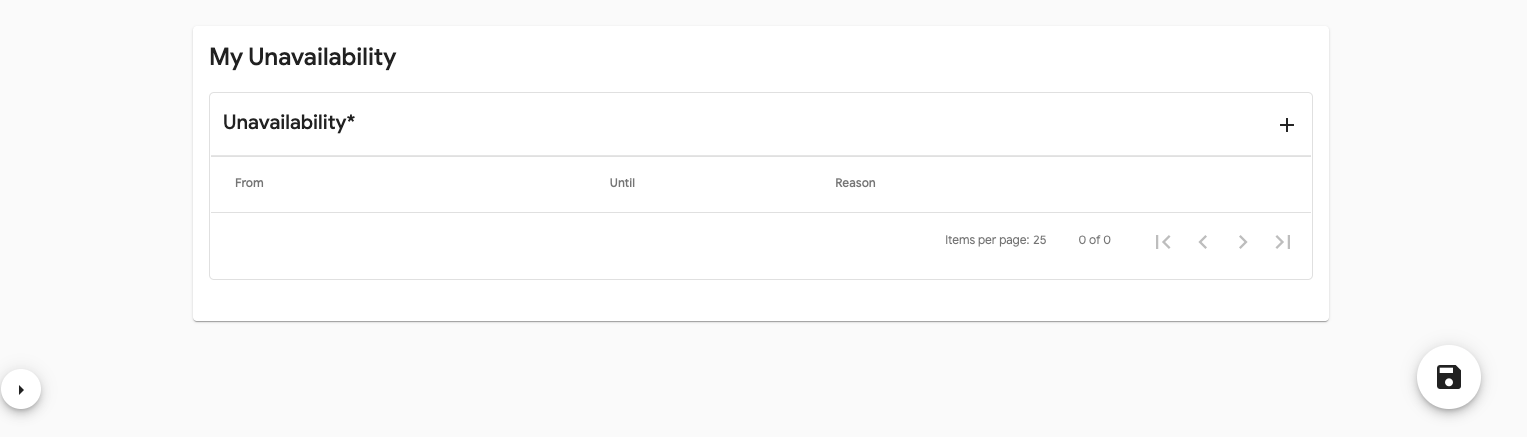
- Fill in the period you are unavailable and the reason.

- Select ‘Save’ and this will update the form.

- Close the Form.
If you need to delete this unavailability, select the bin in the remove column.