Appointments
This view will show you at a glance all the appointments, what status they are currently in and who they are allocated to.
The Appointment table will show you a list of all appointments for all partners and sorted to show the Due By in ascending order (oldest first). You can filter the list by Status and Partner group. To do this use the ‘Filter’ button on the top right. Select the filter you require to change the view.
| Status | Colour | Description |
| New | Yellow | A new appointment that is awaiting the Partner to accept or reject. |
| Accepted | Blue | Partner has accepted the appointment. |
| Rejected | Red | The appointment has been rejected by the Partner. Mercury will be updated and ready for the appointment to be reassigned. |
| Allocated | Orange | The appointment has been scheduled to an operative but not dispatched. |
| Booked | Pink | Ready for the works to be undertaken. The appointment has been sent to the device. |
| Travelling | Green | The operative is travelling to the appointment. |
| In Progress | Green | Works are being undertaken. |
| Completed | Dark Green | Works have been completed. |
| Failed | Red | Unable to carry out the appointment. This will show as failed until Partner re-plans the works. |
 You can search by job number or partner name using the search bar at the top of the screen
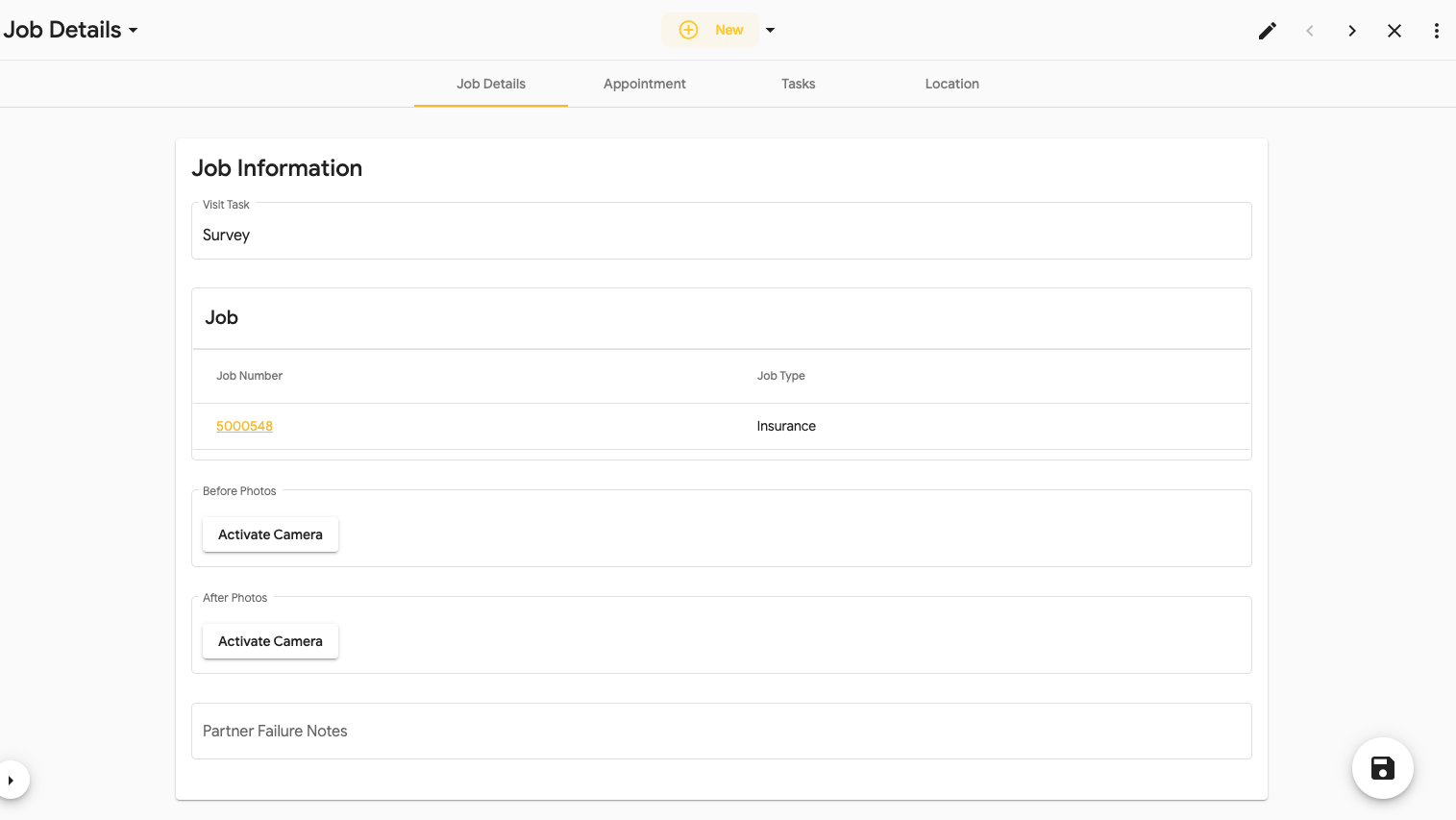
Select the job number to view the appointment information.