Pre-Qualifications
The pre-qualification allows you to capture all the relevant information regarding the Partner.
How to Add a Pre-Qualification
To add a new pre-qualification from the Partner table, select the Partner by clicking on their name
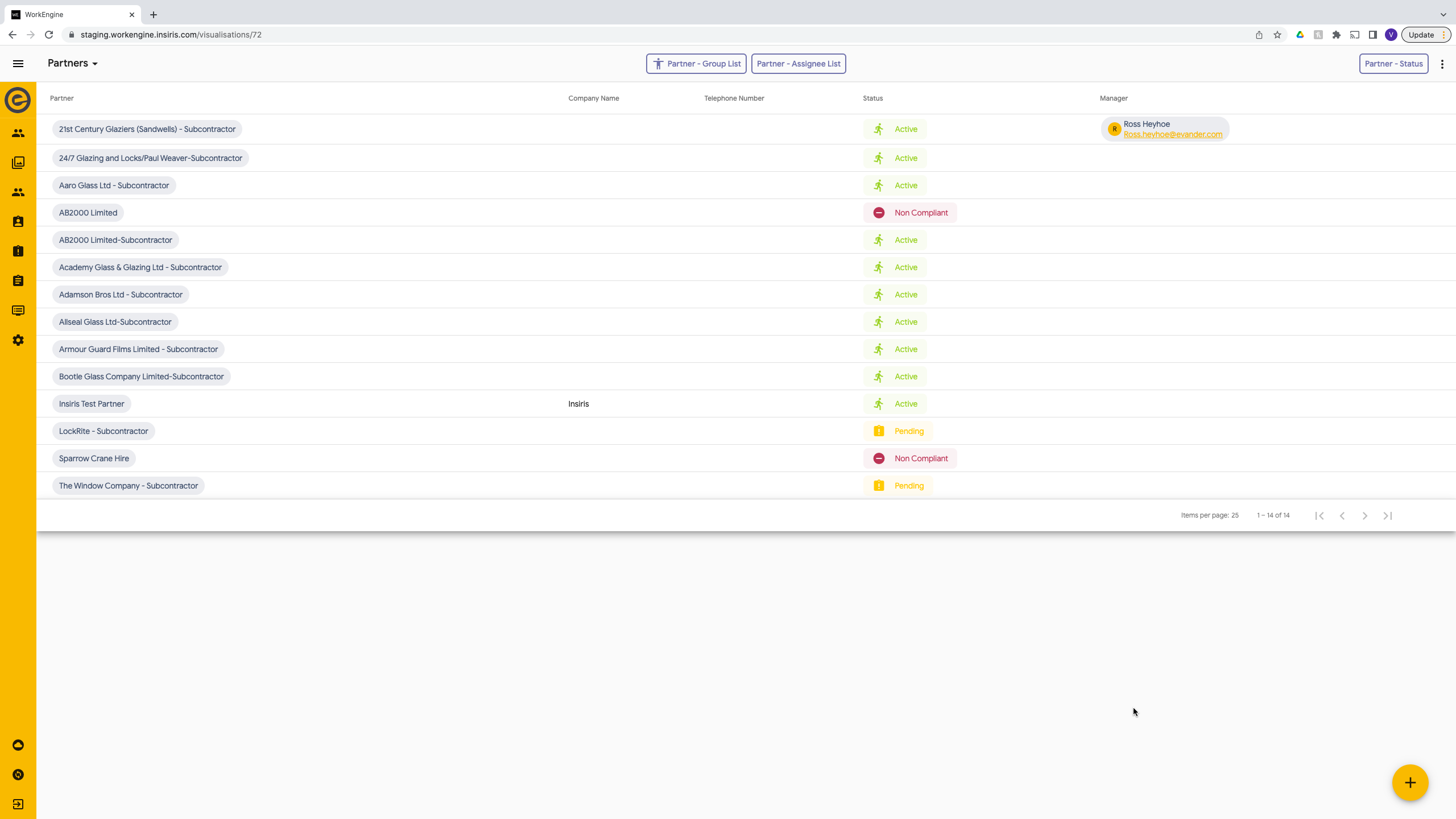
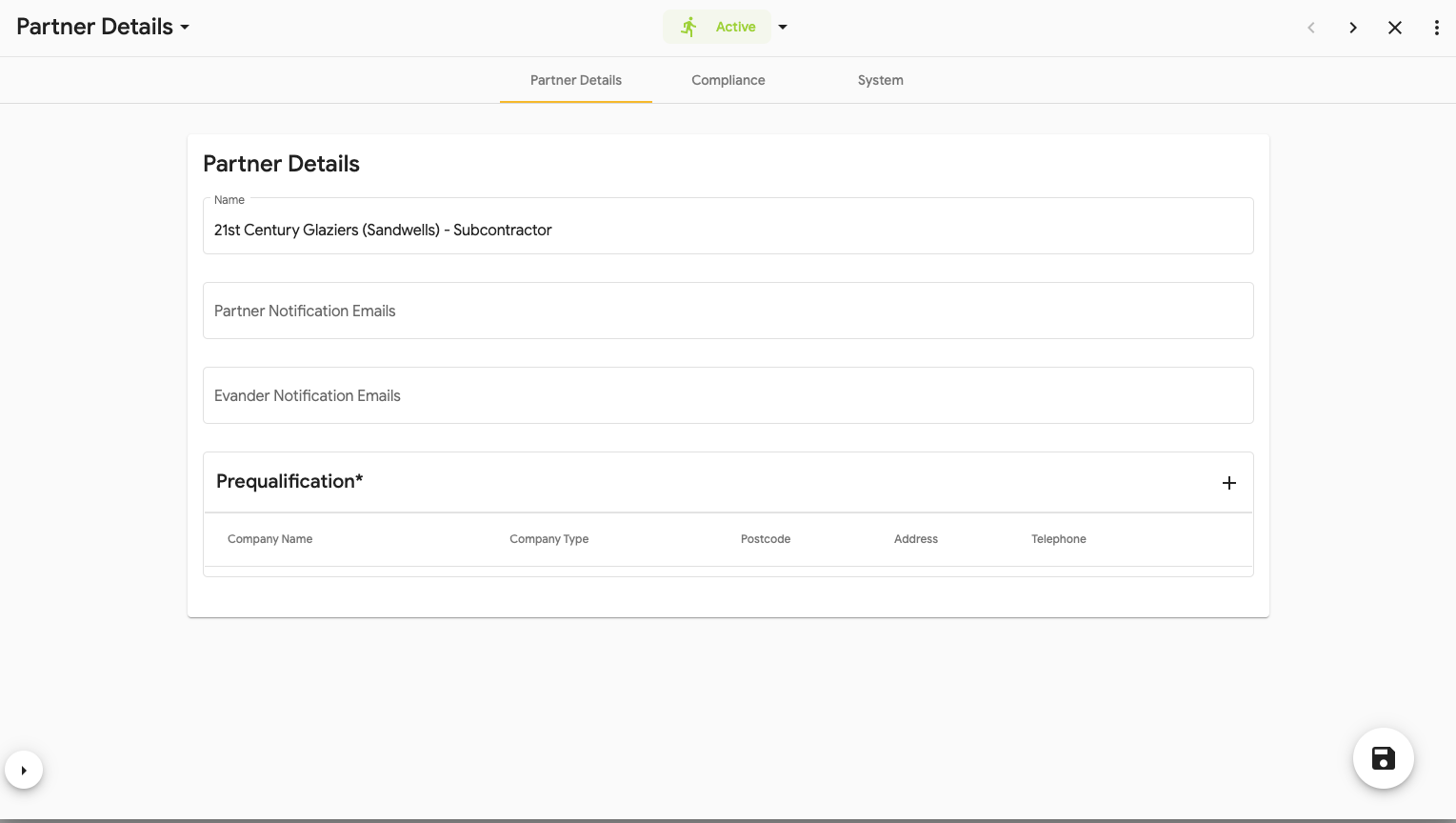
- Under ‘Pre-qualification’ select ‘+’ on the right of the box.
This will show a popup of the Partner Details:

- The pre-qualification form will be shown to add all relevant details.
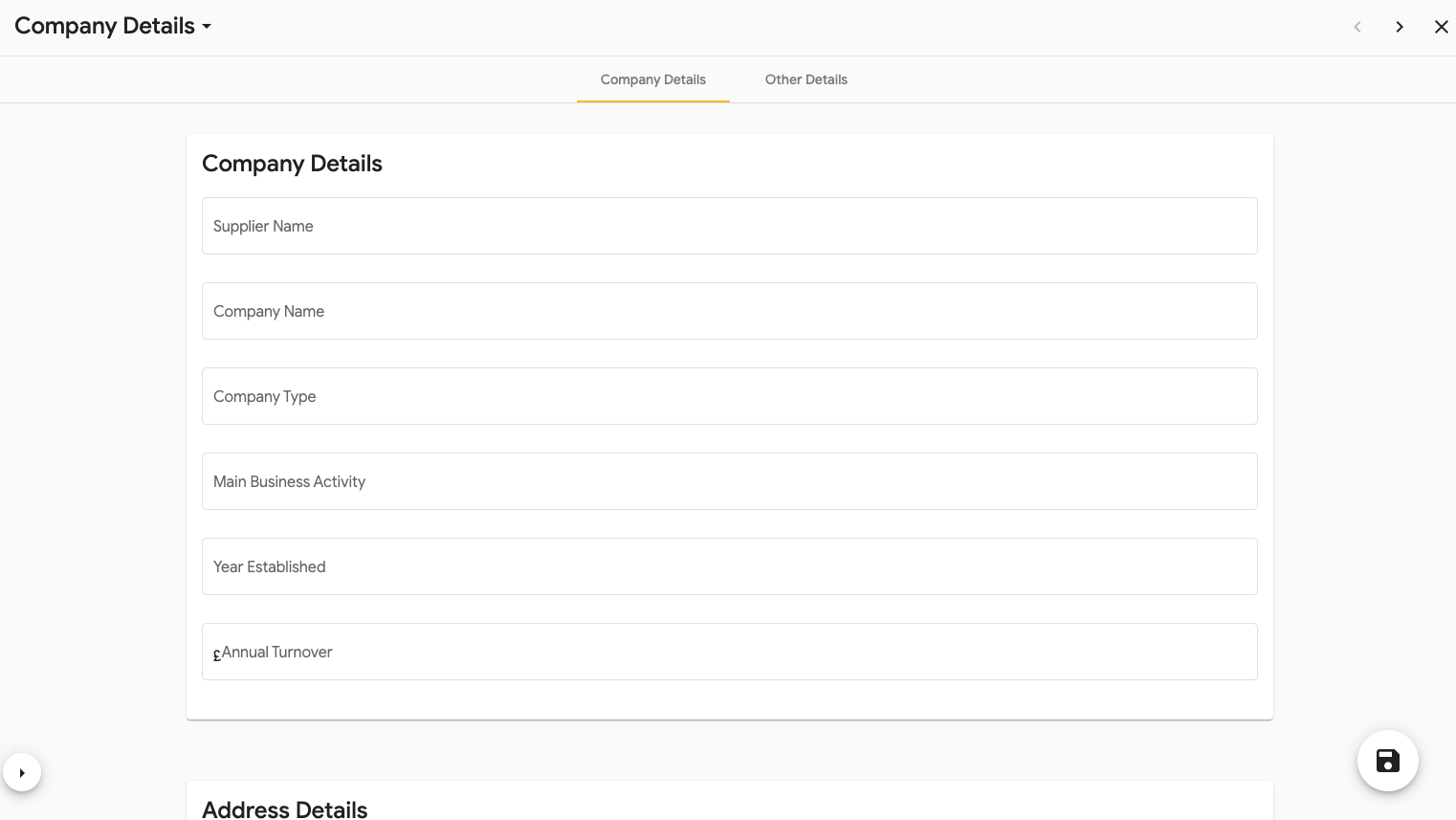
- Once complete select Save (floppy disc icon in the bottom right)
- Close the form using the X in the top right.
To view the Pre-Qualification:
To view/amend a current Pre-Qualification select the name that is highlighted in the box. This will open the current form. 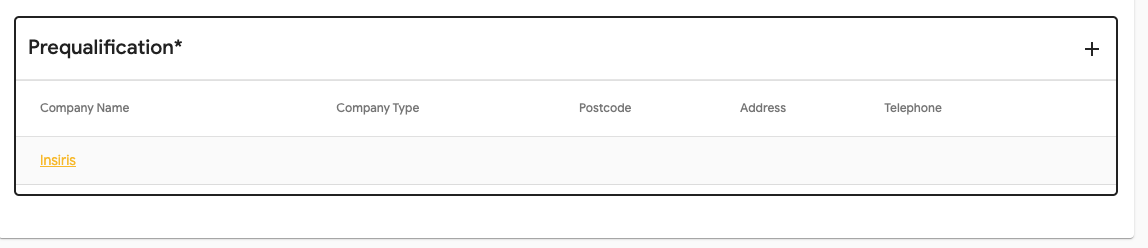
If you need to delete this pre-qualification, select the bin icon in the ‘Remove’ column.